What Is a Link in Bio Page (and When You Actually Need One)
A link in bio page is a single URL that holds all your other links. Here's the problem it solves, how to order the blocks, and how to tell if it works.
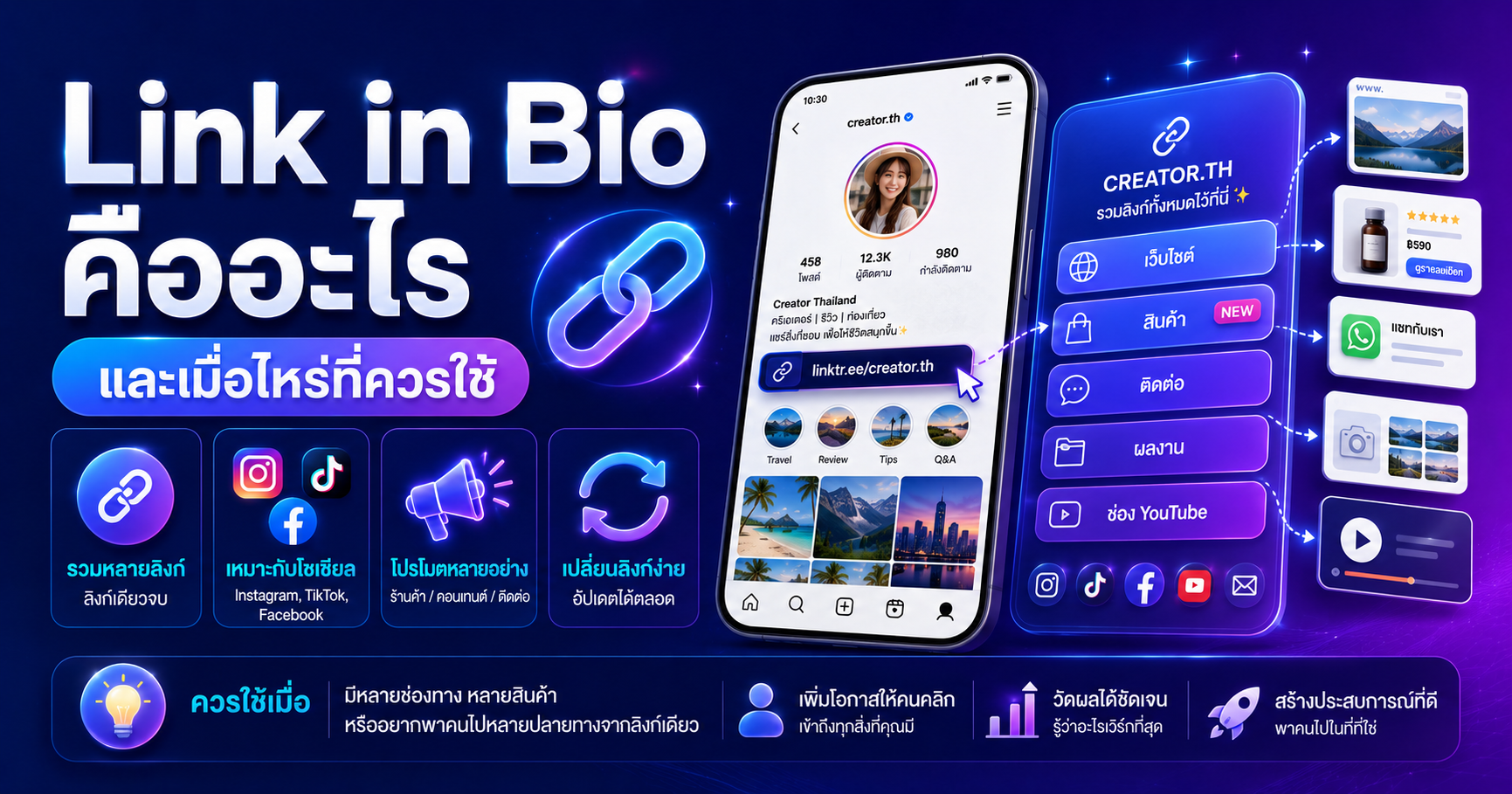
A link in bio page is one web page that holds all your other links. You put its URL in the single "website" field on your social profile, and visitors choose where to go next: your shop, your menu, your booking form, or your latest post.
It exists because of one small limitation. Most social platforms give you exactly one clickable link, while most businesses have several places they want people to reach.
The problem it actually solves
If you have ever written "link in bio" in a caption and then swapped that link the next week, you already know the issue. Older posts keep circulating, and every one of them now points somewhere wrong.
Other signs you need one:
- Several contact channels (chat, phone, email, map) but only one slot
- Selling across your own site, a marketplace, and DMs
- Publishing on YouTube, a podcast, and a blog at once
- Handing out links at events where nobody will retype a long URL
If you genuinely have one destination, skip it. Linking straight there removes a click. A bio page always costs one extra tap, so the convenience has to be worth it.
Pages that work vs pages people bounce from
Effective bio pages look boring: fast, readable, and short. The ones that fail usually share the same habits.
| Do this | Not this | | --- | --- | | Three to six links | Every link you have ever owned | | Buttons named by outcome: "See menu and prices" | "Click here" | | Revenue link near the top | Whatever order came to mind | | Resized profile image | Full-resolution phone photo |
Visitors arriving from a feed are still in scrolling mode. A list of fifteen options is a decision, and decisions are where people leave.
Ordering the blocks
Start from what visitors want, not what you want to sell. Those rarely match.
- 1Newest thing at the top if you post often. Most visitors came from a specific post and are chasing it.
- 2The link that earns money second or third: order page, booking, chat.
- 3Contact options grouped together in the middle.
- 4Supporting links such as reviews or policies at the bottom, or removed entirely if nobody clicks them.
When you run campaigns, change only the top block and keep everything else in place. Returning visitors learn where the buttons are.
Knowing whether it works
This is where a bio page beats a plain URL: you can see what people clicked instead of guessing. Only a few numbers matter.
- Page views compared with your posting volume, which tells you how well captions drive traffic to the bio
- Clicks per block, which tells you what people actually want. Blocks near zero for several weeks should go.
- Clicks divided by views. Lots of visits and almost no clicks means the page does not match what the post promised.
On Uppic you can build one at Link in Bio, with your own theme and per-block click stats.
To separate traffic sources, build your destination URLs with the UTM builder before adding them, then follow the results in your analytics tool. For links you have to say out loud, the URL shortener makes them memorable.
Bringing offline traffic in
Bio pages are not only for social profiles. Storefronts, event booths, and receipts can all point to the same page through a QR code created in QR Code Studio. Choose the dynamic option and you can change the destination later without reprinting anything.
One easy mistake: profile and cover images are usually uploaded straight from a phone at full resolution, far heavier than the page needs. Run them through resize or the image optimizer first so the page appears before the visitor scrolls away.
The short version
A link in bio page fixes a one-link limitation. It is not a storage cupboard for every URL you own. Keep it short, order it around visitor intent, check the stats once a month, and delete whatever nobody taps.