Why Use Image Hosting? The Case for Owning Your Image Links
Image hosting turns a local file into a URL anyone can open. Here's why attaching files or copying images from chat apps breaks down, and when hosting is the right answer.
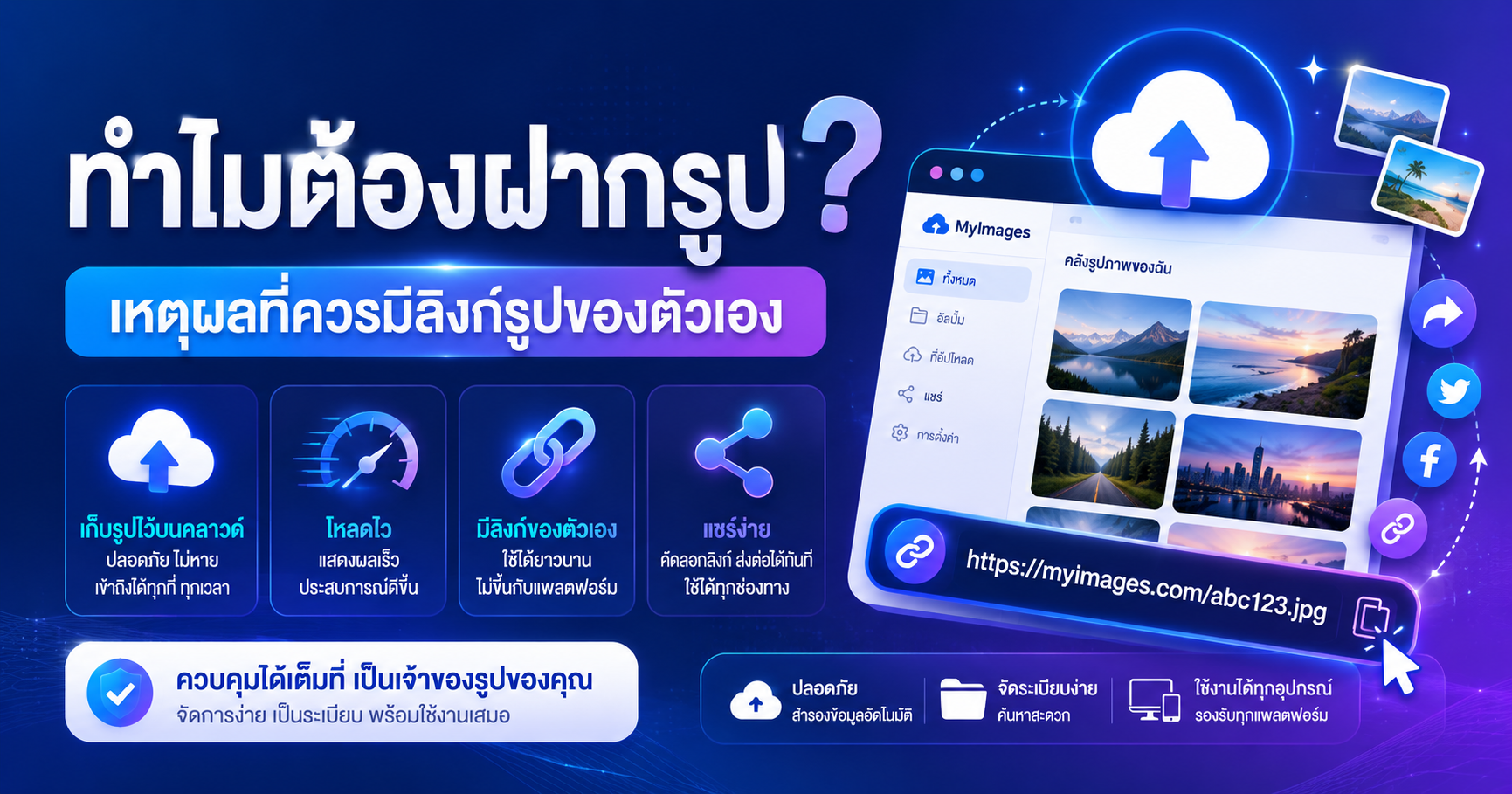
Image hosting means uploading a file to a server and getting back a direct link — a URL that opens the image straight away. Anyone with that link can view it, and more importantly, *other systems* can pull it in: websites, emails, documents, forms, and any field labelled "Image URL".
That's the real dividing line. A file on your computer belongs to you alone. A hosted image has an address the whole internet can reference.
The everyday friction people stop noticing
- You send a photo in a chat app and it arrives blurry because the app re-compressed it.
- An email attachment exceeds the size limit, so you shrink images one by one.
- A CMS or storefront field only accepts a URL — there's no upload button.
- A slide deck balloons in size because every image is embedded.
- Ten teammates need the same image, so you send it ten times, then re-send when it changes.
All of these have the same fix: turn the file into a link first, then share the link instead of the file.
What a hosted link gives you that a file doesn't
### Control over quality
Most messaging and social platforms compress images automatically to save bandwidth. Screenshots, receipts, and charts with small text suffer the most — edges get mushy and text becomes hard to read. When you host the file yourself, viewers get the exact file you uploaded. If it needs to be smaller, that's your decision, not the app's.
### One link, many contexts
The same URL works in a forum post, a blog article, an email signature, and a spreadsheet. Our upload page returns the direct link plus ready-made HTML, Markdown, and BBCode snippets, so you can paste whichever form the destination expects instead of writing tags by hand.
### Lighter documents and pages
Embedding images bloats document files. Referencing them by URL keeps the document small and loads images only when someone actually views them.
### A stable address you can point to
Documentation, product listings, and client-facing guides all break when images disappear. A link you created yourself is easier to keep alive than an image buried in someone else's chat thread.
When hosting is worth it — and when it isn't
| Situation | Host it? | |---|---| | Sending a casual photo to one friend | Not needed | | Filling a field that only accepts a URL | Yes | | Sending high-quality images to a client or printer | Yes | | Illustrating a document shared with a team | Yes | | ID cards, bank details, private paperwork | No — don't upload publicly |
That last row matters. A public image link is viewable by anyone who has it. Never host documents containing personal or financial information on a general-purpose image host.
Prepare the file before you upload
Hosting a 10 MB original and dropping it onto a web page just moves the slowness somewhere else. A sensible order:
- 1Resize to the dimensions you actually display. If the image renders 800 px wide, there's no reason to upload 4000 px. Use Resize image.
- 2Compress or convert. Image optimizer reduces file size with no visible difference, and Convert to WebP / AVIF goes further for modern browsers.
- 3Keep your links organised rather than scattered across random notes.
If all you need is a clean direct link to paste into an Image URL field, Image to URL is the shortest path. To compress, host, shorten, and generate a QR code in a single pass, try the all-in-one workflow.
Find the heavy images you already have
If you run a site and suspect images are dragging it down, paste the address into the website image analyzer. It shows which images are heavier than they need to be, so you can fix the few that matter instead of re-processing everything.
The short version
Image hosting isn't just a developer thing. It converts a file that lives on one machine into an address every system can reach. Whenever you need to share an image with many people, fill a URL-only field, or preserve quality that chat apps would destroy, hosting earns its keep — just size the file sensibly before you upload it.